What caught your eye?
Bring a little of your next discovery into focus. Practise adding a photograph, or search an external botanical collection.
Header photo Randi Agusti, CC BY-NC
Take a closer look
Demonstration interface: your image stays on your device. This page does not recognise plants.
Example ready to explore
Your photograph was not analysed or uploaded. The nutmeg example below is a fixed teaching record, unrelated to your selected image.
Already have a name?
Search iNaturalist’s taxonomy using a scientific or common name. This opens the external iNaturalist website.
Prefer to stay here? Browse all 16 species and use the family filters.
A photograph worth comparing
- Keep the subject sharp and well lit.
- Include the leaf and its attachment to the stem.
- Add a wider view for context.
Meet the nutmeg tree.
An illustrative result, not image recognition: the same fixed example appears for every photograph.
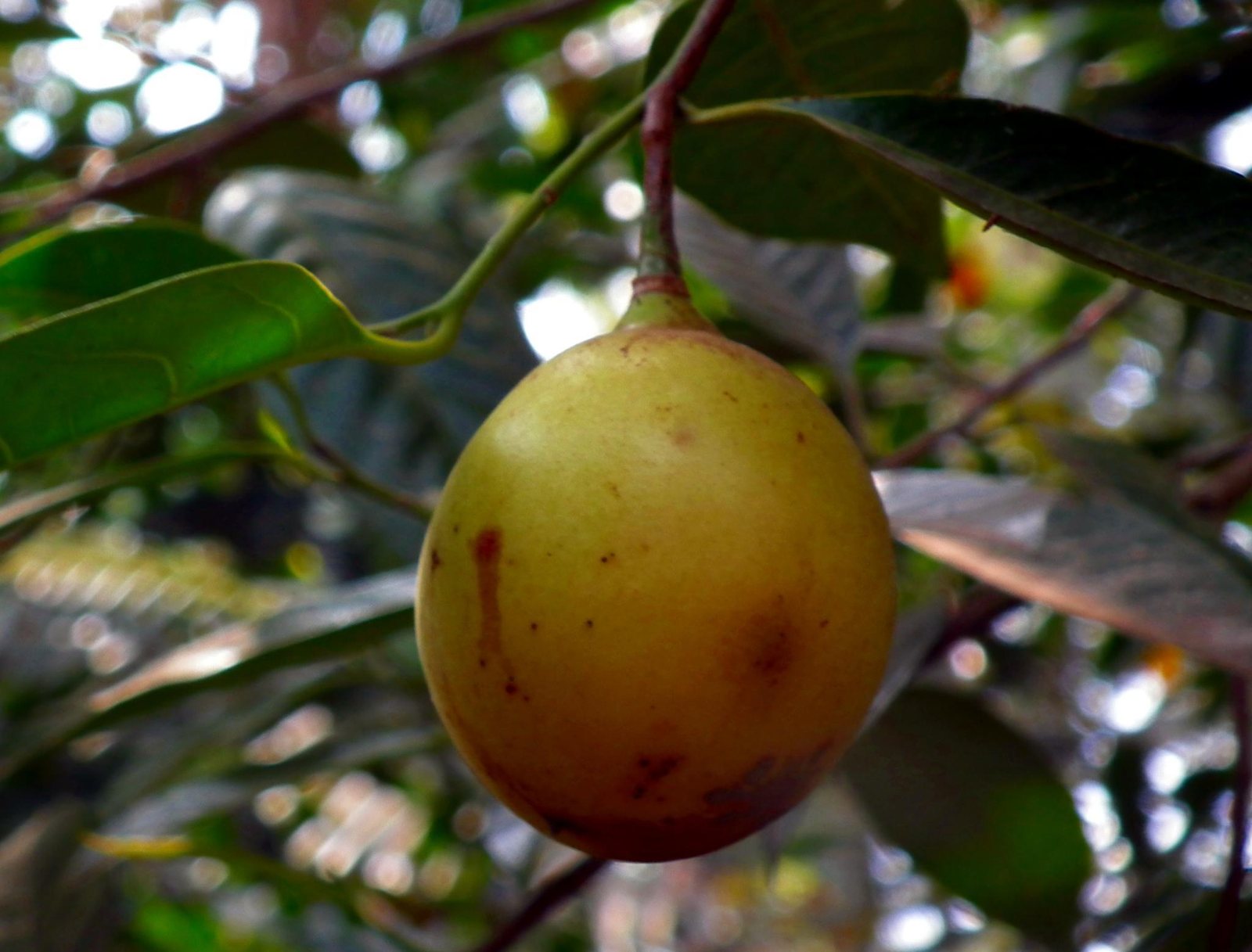
Myristica fragrans
Nutmeg (pokok pala)
- Family
- Myristicaceae
- Native origin
- Maluku, Indonesia
- Growing environment
- Tropical conditions; well-drained, acidic loamy soil.
- Care context
- Moderate water; full sun or semi-shade.
Botanical source: NParks.
View speciesGood observations leave room for uncertainty.
An identification is a proposal that others can check. The more evidence you provide, the easier it is for someone else to agree, disagree or suggest a better name.
It is fine to stop at the family or genus when the species is unclear. A careful “probably Canarium” is more useful than a confident wrong species name.
Before you ask for an identification
- Keep the subject sharp and well lit.
- Include the leaf and its attachment to the stem.
- Add a wider view for context.
- Note the date and the general area.
How sure is the name?
- Tentative
- A likely name that still needs checking.
- Confirmed
- A name others have checked against the evidence.
- Unknown
- An honest starting point; share the photograph and ask.
Observation practice follows the spirit of Pl@ntNet and iNaturalist community guidance.
What this interface does
| Action | What happens |
|---|---|
| Choose a photograph | The browser selects a local file; the file is not transmitted. |
| Identify plant | Native validation checks that a file is selected; a fixed example becomes available. |
| Search by name | The query is sent to the public iNaturalist search page. |